![Clear_Logo_Globe.png]](https://support.kinectcommunications.com/hs-fs/hubfs/Clear_Logo_Globe.png?height=40&name=Clear_Logo_Globe.png)
This guide will go over how to block a call from a specific unwanted number to your extension.
- Click on "Answering Rules"

- Click on "Allow/Block"

- In the window that pops up, you can enter the 10 digit phone number, using only number digits, no dashes, spaces or parenthesis, and click on the "+" button to add that number to your blocked numbers. You can also check the box to disallow any unknown or anonymous numbers from reaching you.
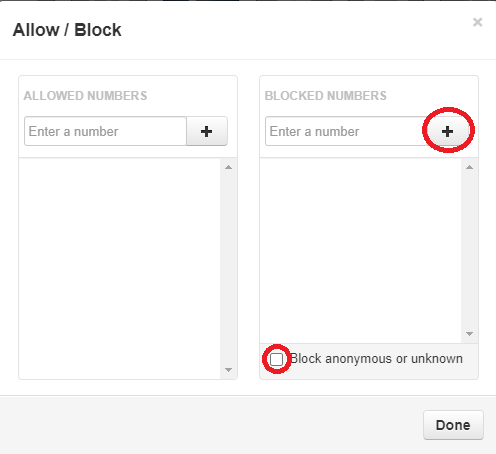
- When completed adding numbers to your blocked list, click "Done."